

Deep, practical resources
All Forex guides
Start with installation and troubleshooting, then continue into order ownership, broker specifications, diagnostic logs, robust testing, infrastructure and risk.
Showing all 21 guides

How to Install a Forex Expert Advisor in MetaTrader 4
Install an MT4 Expert Advisor correctly: copy the EA, enable AutoTrading, confirm symbol and timeframe, verify logs, use a VPS and test safely on demo.
Read Article →
Common MetaTrader 4 EA Errors and How to Fix Them
Diagnose an MT4 EA that is not working or trading with practical fixes for AutoTrading, licenses, DLLs, broker errors, quotes, volume and VPS issues.
Read Article →
What Is a Forex Expert Advisor? A Practical Guide to Forex EAs
Understand how Forex Expert Advisors analyze markets, place trades, manage risk and differ from indicators, scripts, signals and unsupported profit claims.
Read Article →
How to Backtest a Forex EA in MT4 Without Misreading the Results
Configure MetaTrader 4 Strategy Tester, review data assumptions, model spread and interpret drawdown, trade count and stability without treating a backtest as a promise.
Read Article →
VPS and MT4 Stability: Keep Your Forex EA Running
Understand how a VPS supports MT4 and Forex EAs, what can interrupt trading, and how to deploy and monitor one intended trading instance.
Read Article →
How to Configure and Optimize MT4 on a VPS
Configure MT4 on a Windows VPS: separate terminals, measure CPU and RAM, tune charts and history, verify EA permissions, and test restarts and alerts.
Read Article →
MT4 and VPS Failures: Backup and Safe Recovery
Diagnose MT4 and VPS failures, prepare recoverable EA backups, reconcile broker orders and restore one trading instance without duplicate execution.
Read Article →
How to Monitor a Forex EA in MT4: Quotes, Heartbeats and Alerts
Monitor an MT4 Forex EA with symbol data, meaningful heartbeats, current broker orders and tested alerts. Distinguish expected inactivity from operational failure.
Read Article →
Forex Risk Management: Position Size, Drawdown and Risk per Trade
Build a practical Forex risk framework with position sizing, stop distance, risk-reward, correlated exposure and drawdown controls for manual and automated trading.
Read Article →
How to Choose a Forex Broker for an Expert Advisor
Learn how to evaluate an MT4 broker for Forex EAs using spread, execution, symbol specifications, VPS latency and demo verification.
Read Article →
How to Optimize a Forex EA Without Overfitting
Optimize Forex EA settings in MT4 with in-sample, validation and forward testing while avoiding fragile curve-fitted parameters.
Read Article →
Demo vs Live Forex EA: Why Results Can Differ
Understand why a Forex EA can behave differently on demo and live MT4 accounts, from spread and slippage to latency, swaps and broker rules.
Read Article →
MT4 Magic Number Explained: How Expert Advisors Track Trades
Understand how an MT4 Magic Number identifies EA orders, prevents strategy conflicts and supports safer multi-EA account management.
Read Article →
MT4 Symbol Suffixes, Digits and Contract Specifications for Forex EAs
Check MT4 symbol suffixes, digits, contract size, tick value, lot step and Stops Level before running a Forex Expert Advisor.
Read Article →
How to Read MT4 Experts and Journal Logs for Expert Advisor Errors
Use the MT4 Experts and Journal tabs to diagnose EA permissions, invalid orders, connection failures, licensing and VPS problems.
Read Article →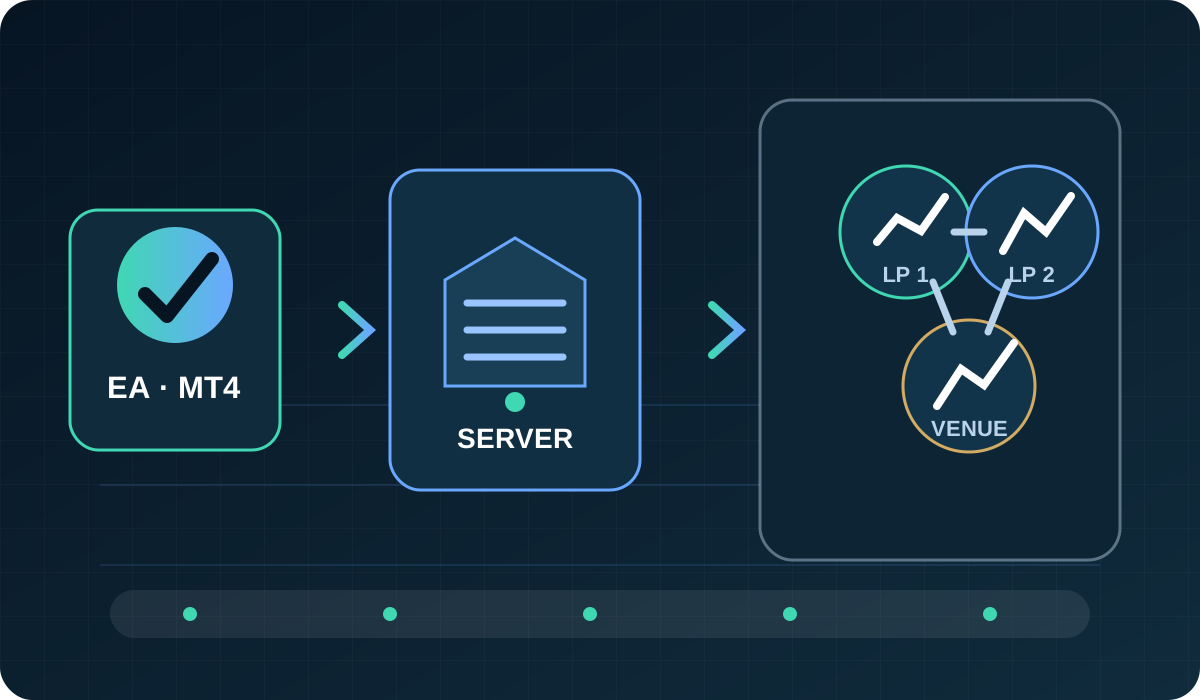
Forex Broker Execution Models for EAs: Market Maker, STP, ECN and DMA Explained
Compare Market Maker, STP, ECN and DMA terminology, then verify the execution conditions that actually matter to a Forex EA.
Read article →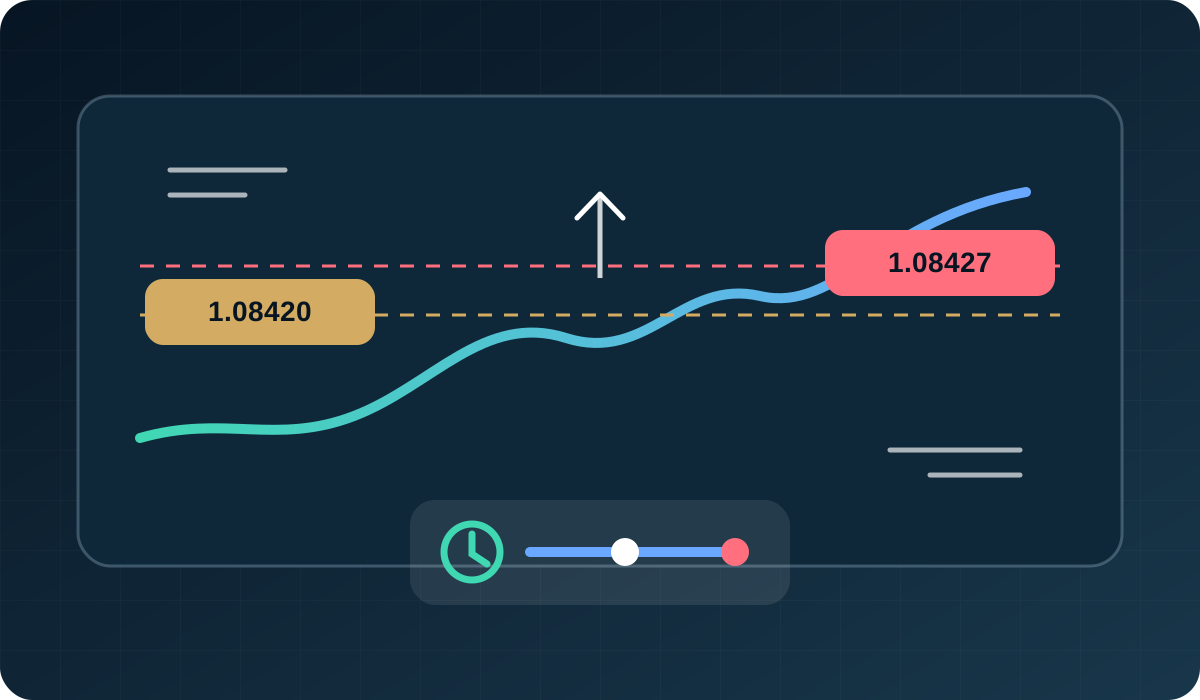
Slippage, Latency and Requotes in Automated Forex Trading
Measure requested versus filled prices, latency, rejects and requotes so you can judge whether execution is suitable for an EA.
Read article →
Forex Trading Costs for EAs: Spreads, Commissions and Swaps
Turn spreads, commissions, swaps and slippage into one comparable cost framework for automated Forex strategies.
Read article →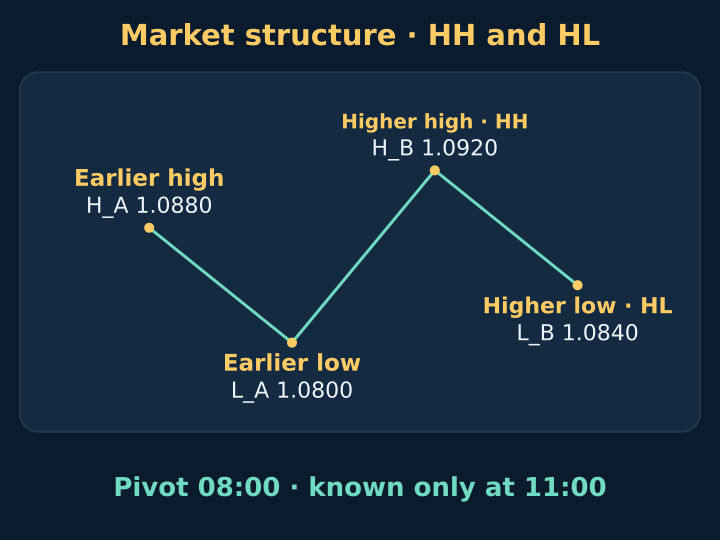
Forex Market Structure: How to Read HH, HL, LH and LL
Learn to read Forex market structure with confirmed swing highs and lows, HH/HL and LH/LL, a timed H1 example and checks that prevent hindsight errors.
Read the Market Structure guide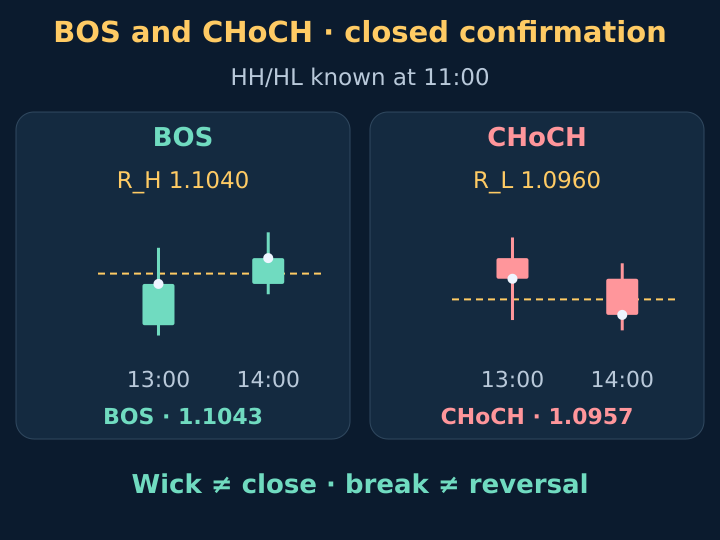
Forex BOS and CHoCH: Closed-Bar Breaks Without Hindsight
Read BOS and CHoCH in Forex with confirmed swing references, strict Bid closes, two timed H1 examples and a journal that separates a break from a reversal.
Read the BOS and CHoCH guide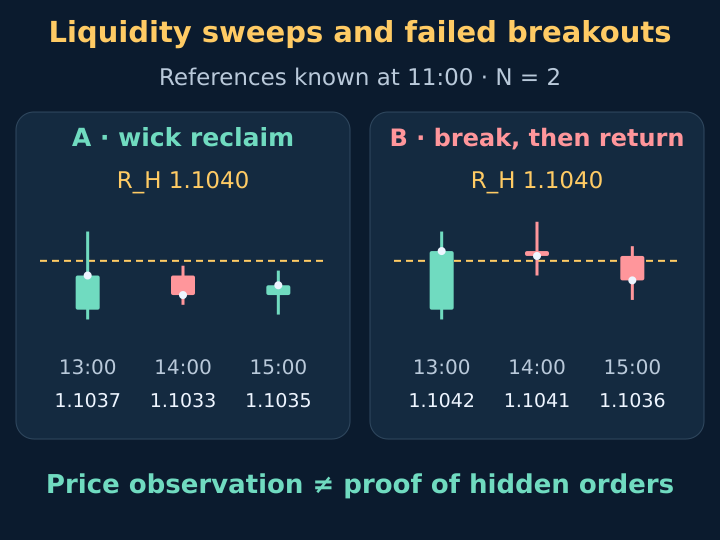
Forex Liquidity Sweeps: Wick Reclaims and Failed Breakouts
Distinguish a Forex wick reclaim from a closed breakout that returns later. Follow two timed H1 paths, strict Bid rules and a fixed observation window.
Read the liquidity sweep guideEducation before execution
From practical knowledge to automated execution
Master the platform, testing workflow and risk controls first. Then compare selected Expert Advisors through official product details, raw Strategy Tester reports and public monitoring.