Premium robots, selected by live-account evidence. A focused shortlist built around verifiable real trading—not demo-only claims or backtests alone.

USDCAD H1 · MetaTrader 4 Expert Advisor

FX Classic Trader CAD 2.0

FX Classic Trader CAD 2.0 is an automated USDCAD H1 Expert Advisor for MetaTrader 4. It combines mathematical pattern analysis with advanced trading indicators and provides direct access to public monitoring and an official historical test.

Version 2.0USDCADH1Lifetime license
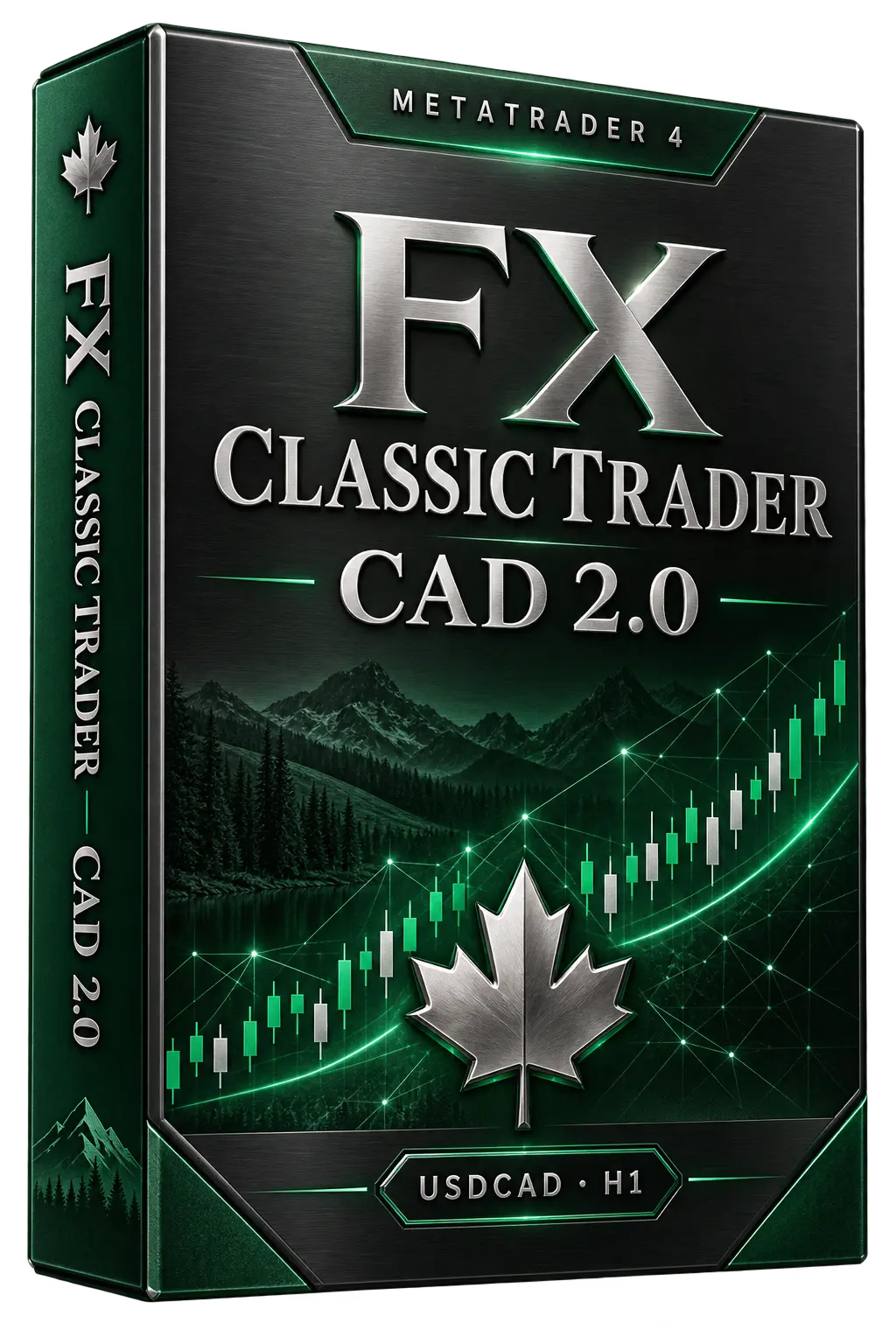
FX Classic Trader CAD 2.0 USDCAD H1 automated Forex EA boxLifetime plans$107–$167

FX Classic Trader CAD 2.0

CAD 2.0 product overview

Version, market, timeframe, evidence and licensing are matched to the current official sources.

CAD 2.0 is the USDCAD H1 edition of the FX Classic Trader family. Its strategy combines mathematical patterns with advanced indicators. The official Strategy Tester report and the dedicated FX Blue profile let visitors inspect historical and live-account evidence separately.

Trading methodMathematical patterns and advanced indicators
OperationAutomated analysis and trade management
EvidenceDirect report and public FX Blue profile


Trading logic

Mathematical pattern analysis on USDCAD H1

Product-specific information based on the official CAD 2.0 page and its matching Strategy Tester report.

How the Expert Advisor works

The EA evaluates USDCAD through coded mathematical patterns and advanced trading indicators, then automates entry, execution and position management on the one-hour chart.

USDCAD can react sharply to Canadian and US economic releases, oil-market movements and changing spreads. The strategy remains exposed to market risk, so broker execution, leverage and portfolio overlap must be considered before live use.

Official Backtest & FX Blue

Two evidence sources, checked separately

The Backtest button opens the exact Strategy Tester report. Live Monitoring opens the matching public account, not a screenshot.

DIRECT STRATEGY TESTER REPORT

FX Classic Trader CAD 2.0

The official report covers USDCAD H1 from January 2021 to January 2025 with 90% modelling quality. Historical simulation is useful for reviewing strategy behavior, but it is not the same as live execution.

Symbol / timeframeUSDCAD · H1
Test period2021.01–2025.01
ModelEvery tick · 90.00%
Report activity755 trades · Profit factor 3.19

FX Classic Trader CAD 2.0 live monitoring

Review the connected-account statistics, cumulative curve and monthly returns. Open the complete FX Blue profile for detailed history and risk information.

Suitable trading setup

A dedicated USDCAD H1 edition

CAD 2.0 may suit users who want a one-hour USDCAD system with transparent historical and public-account sources.

USDCAD traders

For users specifically looking for an automated US dollar–Canadian dollar strategy.

H1 portfolio users

For traders who prefer one-hour analysis and want to evaluate exposure alongside other systems.

Evidence-focused buyers

For clients who want the current CAD 2.0 file, matching report and public monitoring.

Installation & license

Set up Classic Trader CAD 2.0 correctly in MT4

A correct EA file on the wrong pair or timeframe is still an incorrect installation.

1

Install the EA file

Copy the licensed CAD 2.0 EX4 file into the MT4 MQL4/Experts folder, then restart MetaTrader 4.

2

Open the correct chart

Select USDCAD and set the timeframe to H1. Confirm your broker’s symbol suffix if one is used.

3

Review the settings

Use the supplied settings, confirm the licensed account number and check spread, execution and AutoTrading on a demo account.

4

Test before live use

Observe the EA on demo through normal market conditions before considering the same configuration for a real account.

One-time lifetime license with account activation

Packages differ by the number of licensed real and demo accounts. For installation or activation questions, contact fxclassictrader@gmail.com.

View license options →

Frequently asked questions

Classic Trader CAD 2.0 FAQ

Which pair and timeframe does Classic Trader CAD 2.0 use?

The current configuration is USDCAD on H1. This matches the direct Strategy Tester report linked on this page.

Is the CAD 2.0 backtest a direct official report?

Yes. The Official Backtest button opens the Strategy Tester HTML report hosted on the developer’s domain.

Can I inspect live results before buying?

Yes. The Live Monitoring button opens the public FX Blue profile for fxclassictrader_cad. Backtests and live history are different evidence sources and neither guarantees future performance.

What platform and account setup are required?

FX Classic Trader CAD 2.0 is designed for MetaTrader 4. Use USDCAD H1, confirm broker compatibility, keep the terminal online and test on demo first.

What does the lifetime license include?

The listed packages are one-time lifetime licenses with account limits depending on the selected plan. Confirm current terms on the official website.

Compare the report, live history and official terms.

Use the direct sources before choosing a license. Automated Forex trading involves leverage and risk; neither a backtest nor previous live performance guarantees future results.

Build the setup before the risk

Forex Guides & Trading Resources

Install, test and troubleshoot your Expert Advisor with practical, risk-aware guides.